Embroidery file converter
Convert a stitch file to the format your machine reads.
Your file is read in this tab and never uploaded.
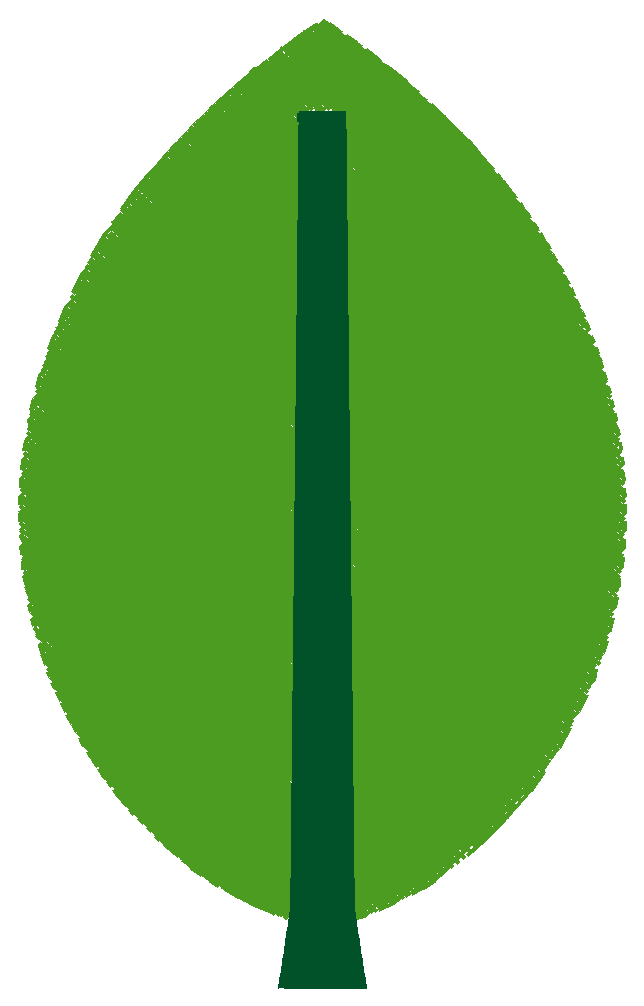
Example: leaf.dst
- Stitches
- 7,619
- Size
- 60.4 × 96.6 mm
- Colour blocks
- 2
DST stores no thread colours; the colours shown are placeholders.
Drop a DST, PES, JEF, EXP, VP3 or XXX file, choose the target format and download the result. The converter writes the new file in your browser, reads it back and puts the counts side by side, so you see before you sew whether stitches, trims or colour blocks changed.
What a conversion keeps and what it cannot
A conversion keeps every stitch: position, order and length. It does not change the size or the density; for a different size, resize from the source file instead. What differs between formats is everything around the stitches. DST and EXP store no thread colours, only colour-change stops. PES, JEF, VP3 and XXX store a colour per block, and JEF rounds each one to the nearest Janome thread. A trim is a command in some formats and a run of jumps in others, so the same file can trim differently on two machines.
Before you sew
Keep the file you received; convert from it, never from a file that was already converted. Look at the comparison rows after the conversion, set the needles in the colour order, and sew a test piece on scrap fabric.