Convert an EXP file to DST
The stitches are re-encoded, not redrawn.
Your file is read in this tab and never uploaded.
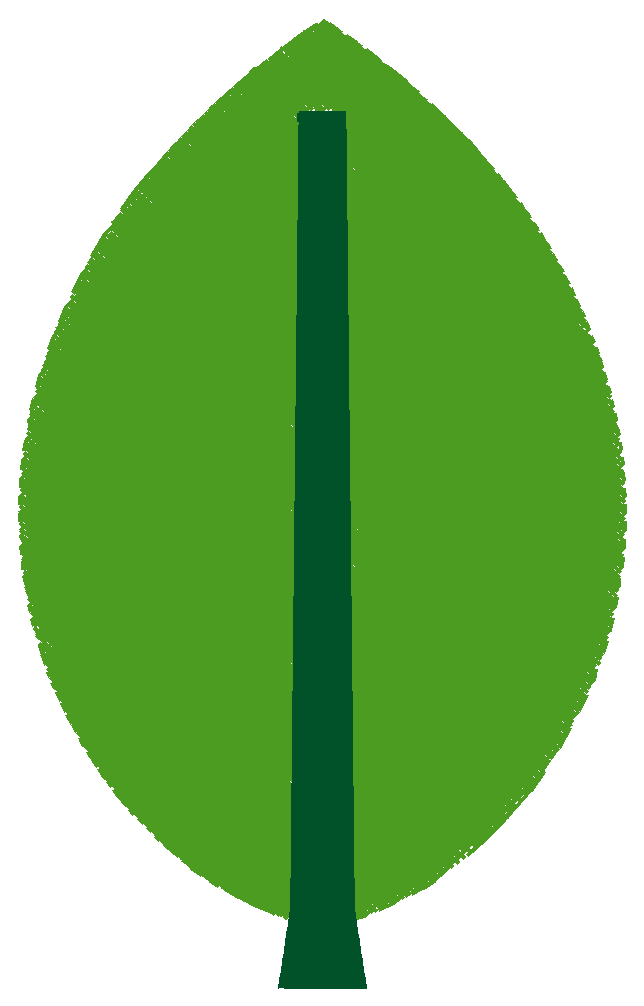
Example: leaf.exp
- Stitches
- 7,619
- Size
- 60.4 × 96.6 mm
- Colour blocks
- 2
EXP stores no thread colours; the colours shown are placeholders.
EXP is the Melco and Bernina file; DST is read by Tajima and most commercial multi-needle machines. Neither stores thread colours, so the stitches and the colour stops carry over as they are. Drop the EXP and press the button. The converter writes a DST, reads it back and shows the stitch, trim and colour-block counts next to the EXP's.
What changes from EXP to DST
The stitches, the colour-change stops and the start point stay. Trims change form: an EXP trim command becomes a run of jumps. Moves longer than 12.1 mm are split, so the stitch count can rise slightly.
Before you sew
Check the trim setting on the machine, set the needles in the usual order, and sew a test piece on scrap fabric before the order.