Skip to content

Convert a DST file to EXP

The stitches are re-encoded, not redrawn.

Your file is read in this tab and never uploaded.
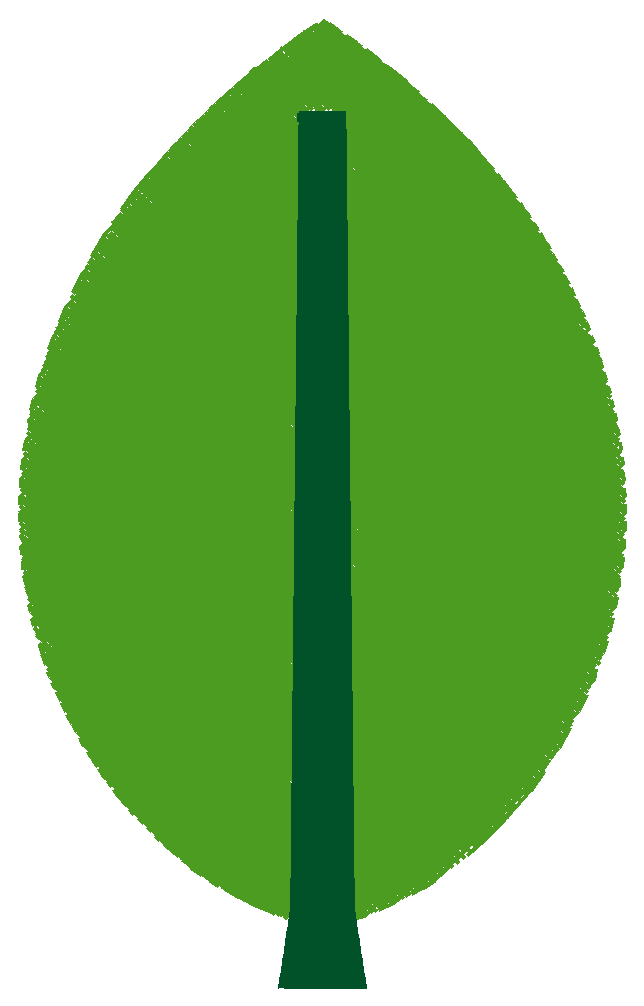
Stitch preview of the sample file leaf.dst

Example: leaf.dst

Stitches
7,619
Size
60.4 × 96.6 mm
Colour blocks
2

DST stores no thread colours; the colours shown are placeholders.

DST is the Tajima file; EXP is read by Melco and Bernina machines. Neither stores thread colours, so this conversion is about stitches and trims only. Drop the DST and press the button. The converter writes an EXP, reads it back and shows the stitch, trim and colour-block counts next to the DST's.

What changes from DST to EXP

The stitches, the colour-change stops and the start point stay. Trims change form: a DST trim is a run of jumps, an EXP trim is a command. Moves longer than 12.7 mm are split.

Before you sew

Check how your machine treats trim commands, set the needles in the usual order, and sew a test piece on scrap fabric before the order.

Questions

Does my Melco need colours in the EXP?

No. EXP, like DST, stores only colour-change stops; the operator sets the needles in the order the job sheet gives.

Will the Melco trim where the Tajima trimmed?

The converter writes each trim as the EXP trim command. Some EXP machines trim on a run of jumps whose count is a machine setting instead, so a converted file may trim differently: sew a test piece.

Does the design move in the hoop?

No. Both formats keep the design where it was punched, start point included.

Is EXP the same as Bernina EXP?

The stitch part is the same. Bernina's home variant keeps its colours in an INF file beside the EXP; the converter writes the EXP alone, so set the colours on the machine.

Your first design is on us.

Upload a logo and see the stitch preview. No card needed.

Upload an image
Stitch preview of the Ridgeview Eagles chest logo