JEF file viewer
Open a Janome JEF file and see its stitches, thread colours and size at once.
Your file is read in this tab and never uploaded.
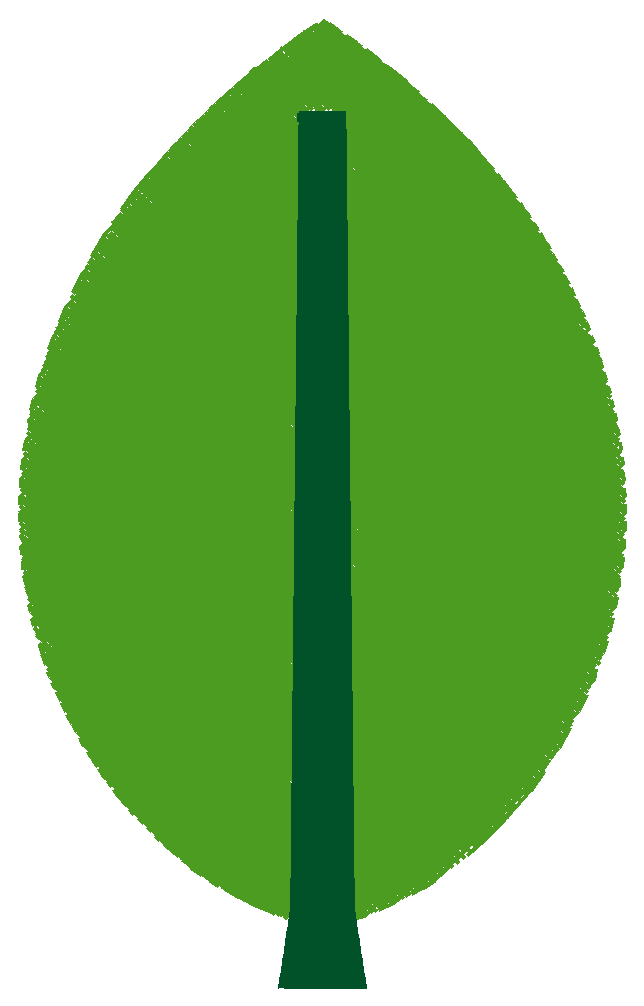
Example: leaf.jef
- Stitches
- 7,619
- Size
- 60.4 × 96.6 mm
- Sewing time
- about 11 minutes
JEF is the format of Janome and Elna machines. Drop a JEF here and the viewer reads it in your browser, draws every stitch in sewing order in the file's colours, and gives you the stitch count, the size in millimetres, the sewing time at your machine speed, the colour blocks, trims and jumps, and a hoop check.
What a JEF holds
A JEF carries colour, but not as an exact value: every block points at one of 78 Janome threads, so the colours are the nearest Janome threads to whatever the digitizer picked. The colour row lists one colour per block, in sewing order. Trims are stored as a run of jumps; files written without trims show zero in the card, and the machine will then travel between parts without cutting.
The file also names a Janome hoop chosen from the design size. The hoop row lets you check the design against your own hoop, including whether turning it by 90° makes it fit.
Check it before you sew
Play the design back to see the colour order and where the machine travels. Print the stitch sheet to have the preview at actual size and the colour list beside the machine, and sew a test on scrap fabric first.